How do I get subtitles from a video that has no captions?
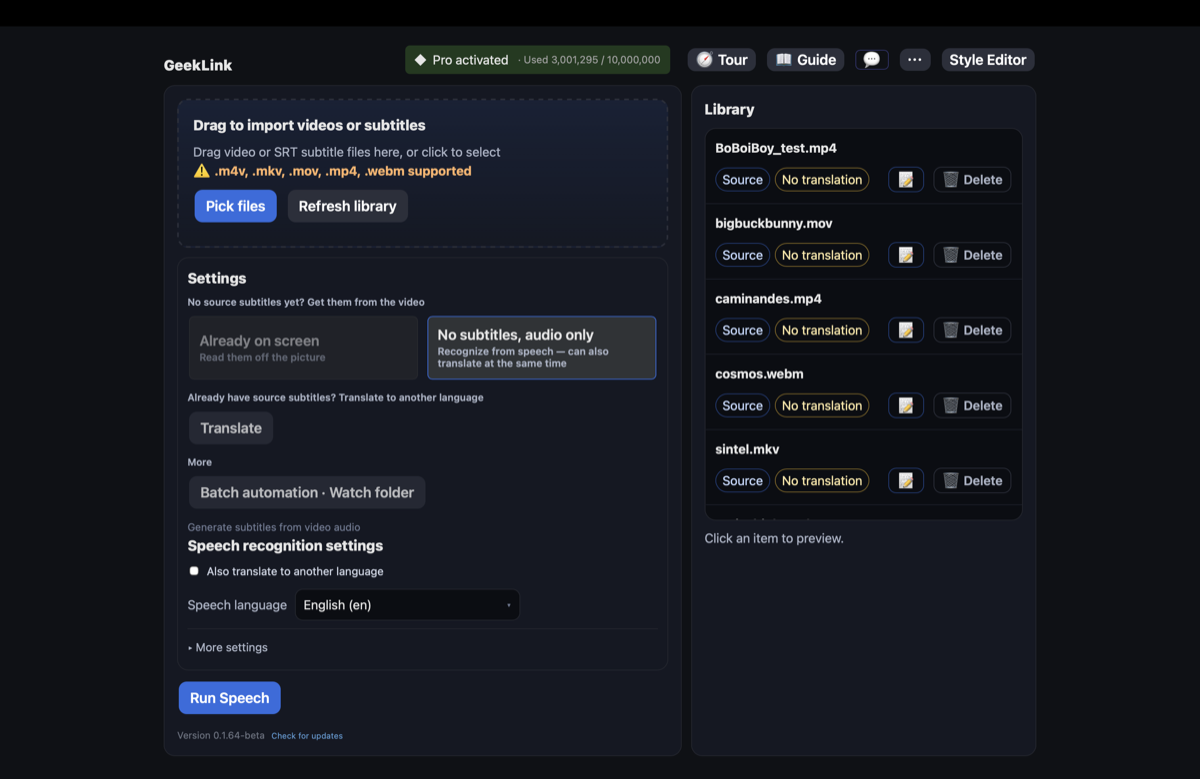
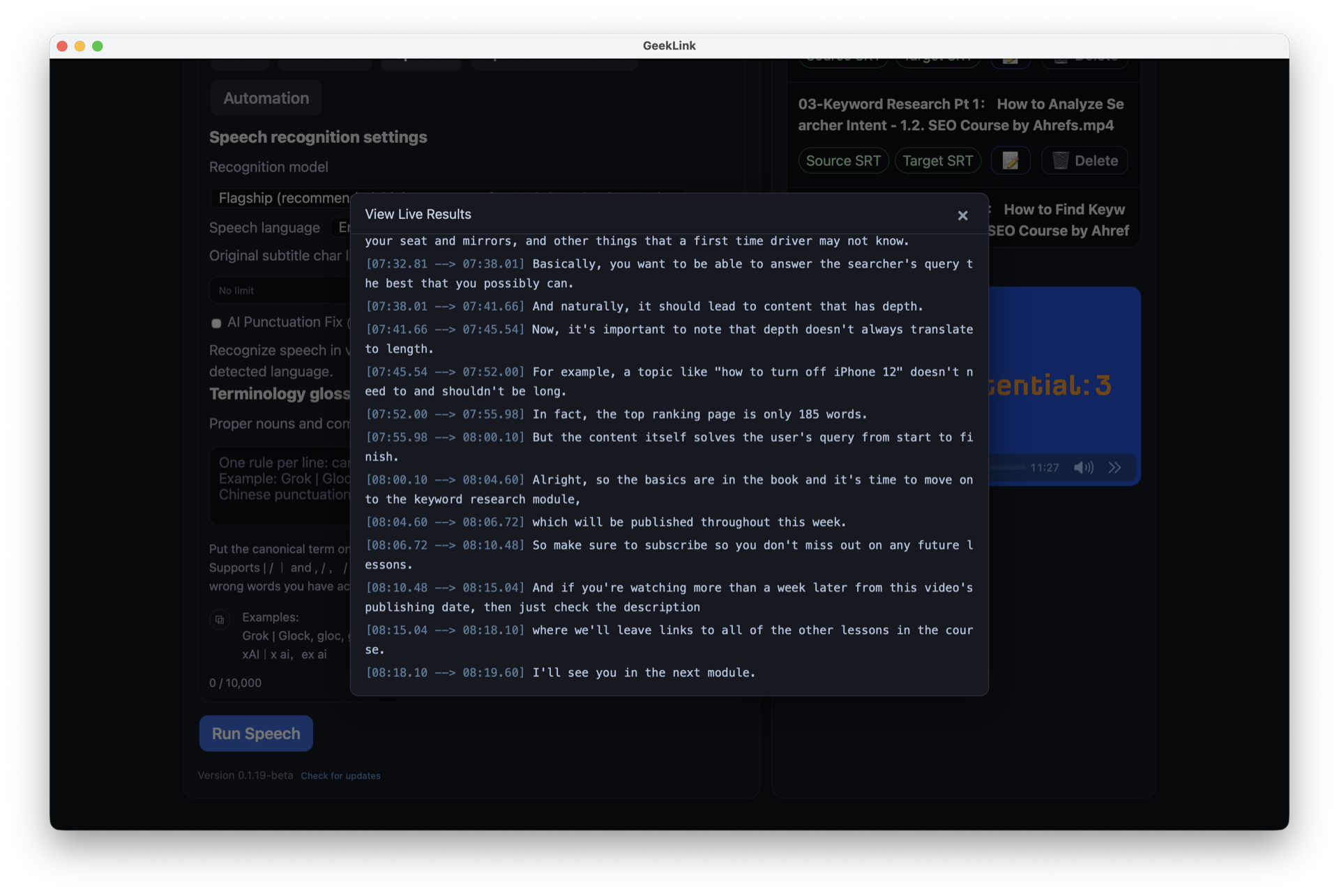
GeekLink listens to the spoken audio and transcribes it into a timed subtitle file, even when the video has no existing caption track. Drop the video in, run speech recognition, and you get an editable .srt.
Does it run offline, and is it private?
Yes. Speech recognition runs entirely on your computer — no upload, no internet needed. Your footage never leaves your machine.
Are the subtitle timings accurate, or do they drift?
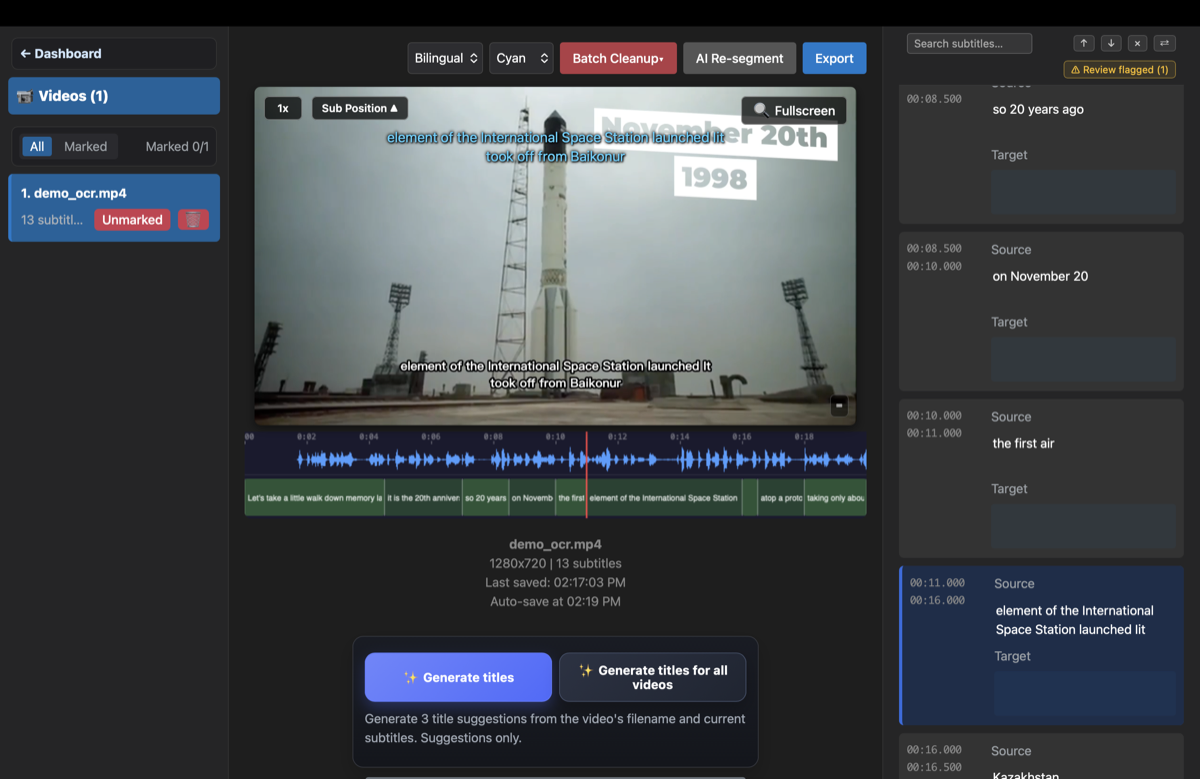
Turn on precise mode and each line is aligned to the moment it's actually spoken, so long videos don't drift out of sync toward the end. You can also nudge any timing by hand in the built-in editor.
How natural are the line breaks?
GeekLink breaks each subtitle where it reads naturally, instead of cutting mid-phrase the way raw auto-captions do — so there's far less cleanup before you export.
Which languages can it transcribe?
49 languages, including English, Chinese, Japanese, Korean, French, German, Spanish, Portuguese, Arabic, Russian and many more — all recognized on-device.
Can GeekLink tell who's speaking in an interview or podcast video?
Yes. Enable speaker detection during speech recognition and GeekLink automatically labels each person's lines — no manual tagging needed. The first use downloads a small on-device model (about 30MB); after that it runs fully offline. You can rename raw labels like SPEAKER_00 to real names in the editor, and choose whether to include labels when you export.
How do I download GeekLink for Mac or Windows?
Both desktop builds are free direct downloads from geeklink.dev. Get the DMG for Mac or the 64-bit ZIP for Windows — no app store, account, or login required.
Is it really free?
Speech recognition, editing and exporting subtitles are free. Pro removes the export watermark and adds AI translation — you don't need it just to transcribe a video.