What are hardcoded (burned-in) subtitles?
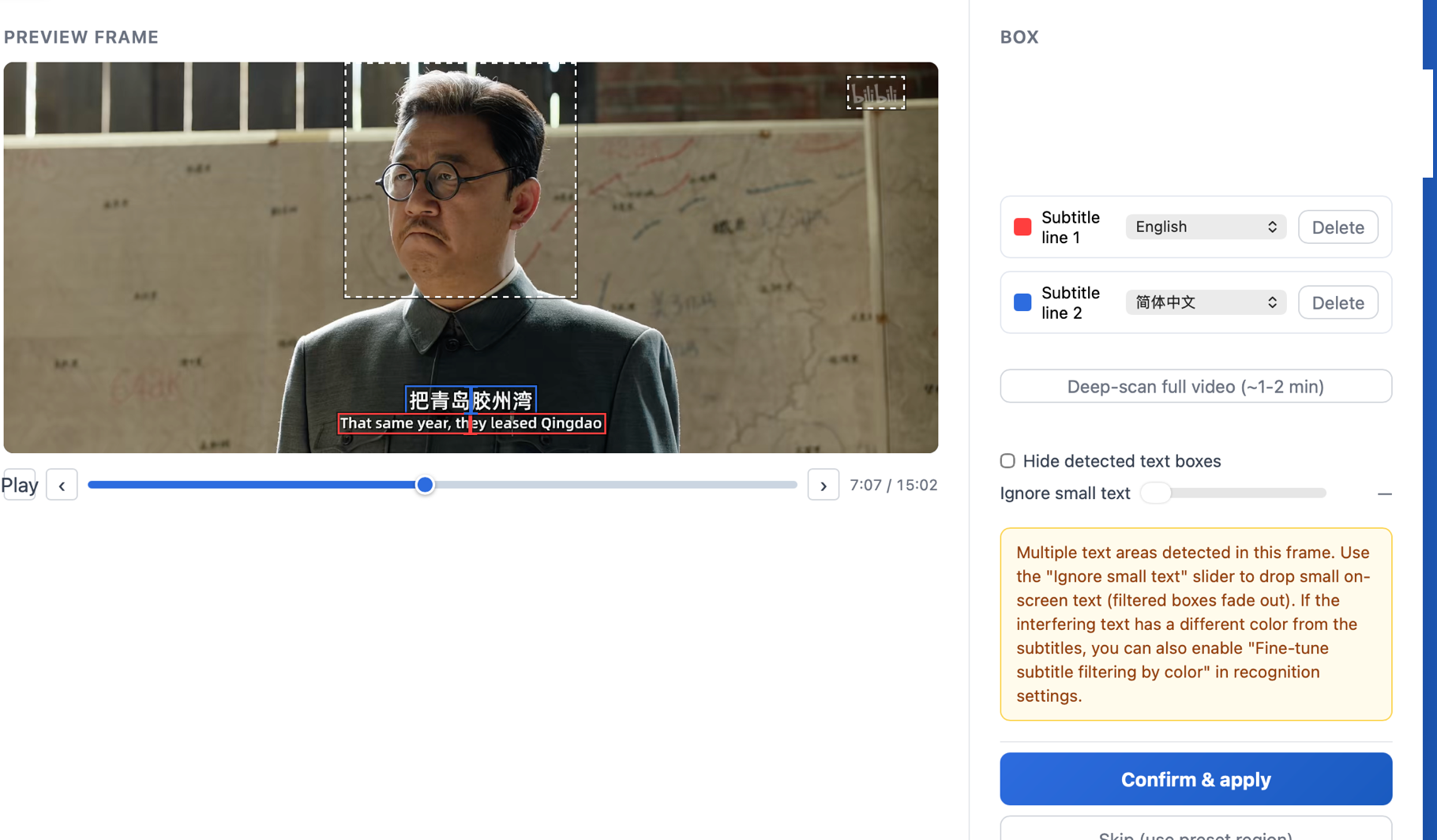
Also called hard subs, hardsubs, or burned-in subtitles: text rendered permanently into the video image — you can't turn it off, select it, or copy it. GeekLink reads that text back out into an editable subtitle file.
Can it do a whole folder at once?
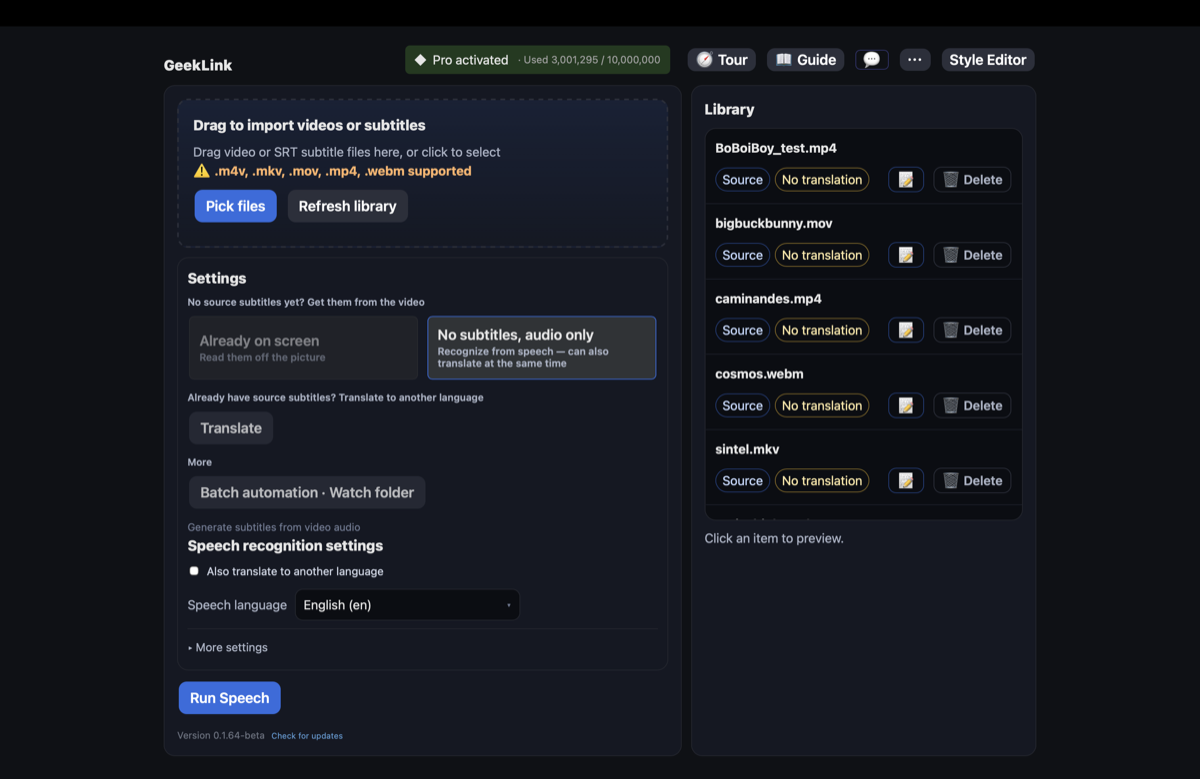
Yes. Import a folder of episodes and GeekLink queues and processes every one, then batch-exports a subtitle file for each.
What do I get out?
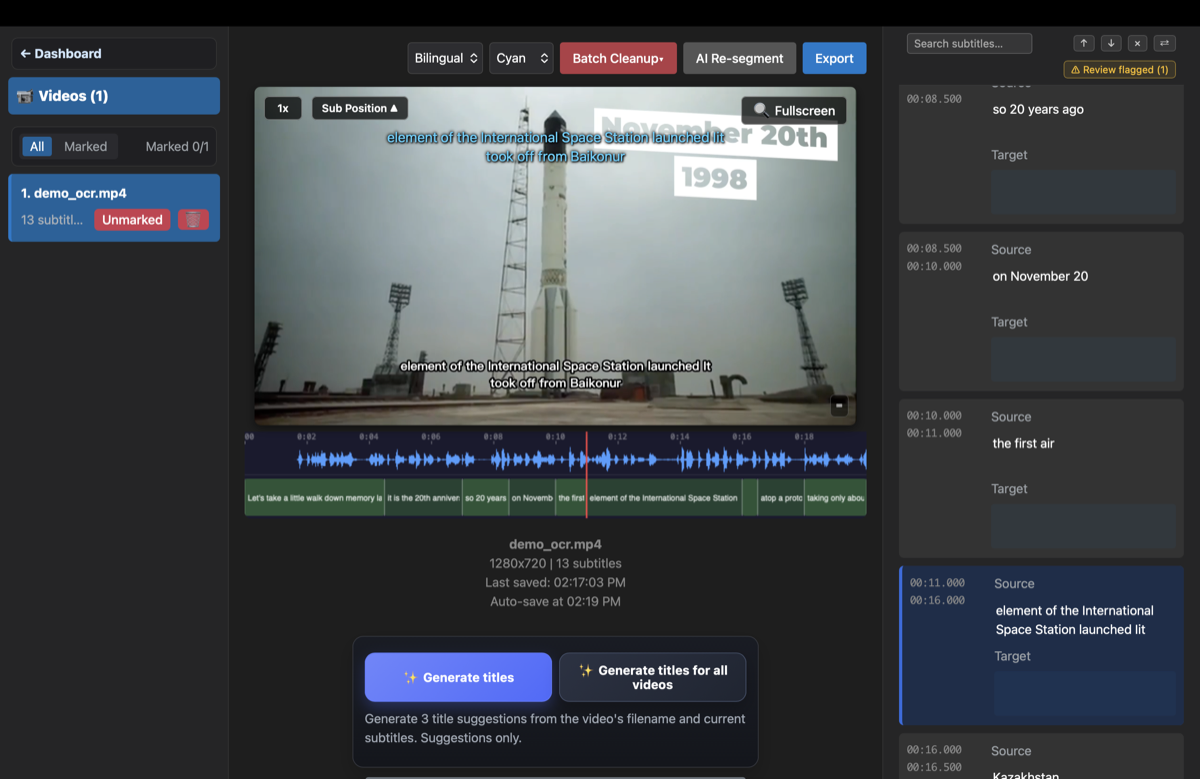
An editable, time-synced subtitle file — the standard .srt format that every editor (Subtitle Edit, Premiere, Final Cut) reads. Edit it, re-time it, or translate it.
How do I download GeekLink for Mac or Windows?
Both desktop builds are free direct downloads from geeklink.dev. Get the DMG for Mac or the 64-bit ZIP for Windows — no app store, account, or login required.
Are the subtitle timings accurate?
Yes. GeekLink detects frame by frame when each subtitle line appears and disappears, so the exported SRT is time-aligned to the video — useful even if you only care about the timing and not perfect text (e.g. subs2srs cards for language learning).
Is it really free?
You can get 60 minutes of free OCR export every month.
Can it convert .sup / PGS (Blu-ray) subtitles to SRT?
Yes. Drop a .sup file — the image-based subtitle format used on Blu-ray (PGS) — into GeekLink and it OCRs it into an editable SRT, fully on your machine. This conversion is free forever and doesn't use your monthly OCR minutes.