Which languages can it translate between?
40+ languages, including English, Chinese, Japanese, Korean, Spanish, Portuguese, French, German, Russian, Arabic, Thai, and more — any direction between them.
Can I get bilingual (dual-language) subtitles?
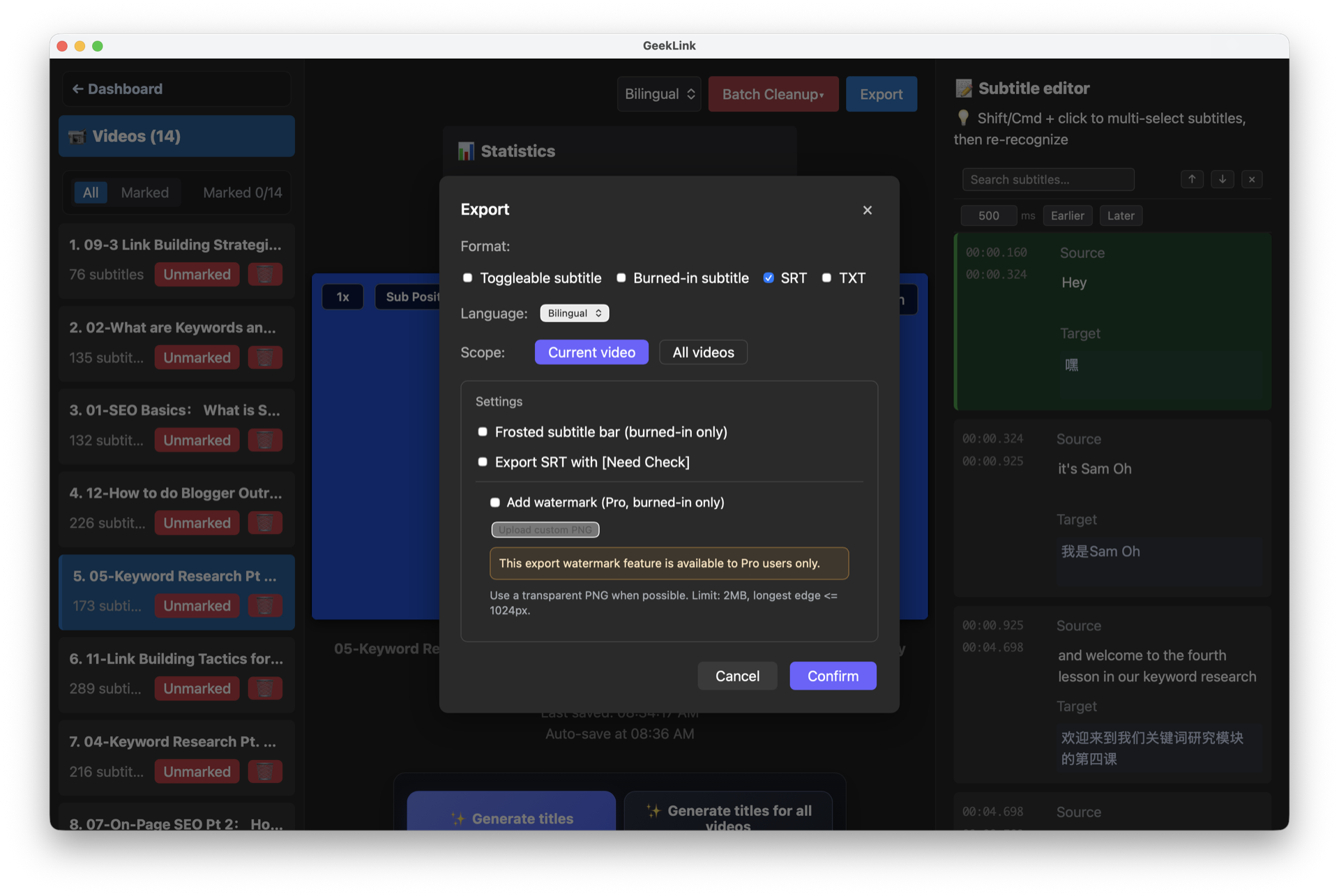
Yes. GeekLink can output the original line and the translation together, so viewers see both languages at once — a common format for fansubs, language learning, and international audiences.
Can I translate an SRT file I already have?
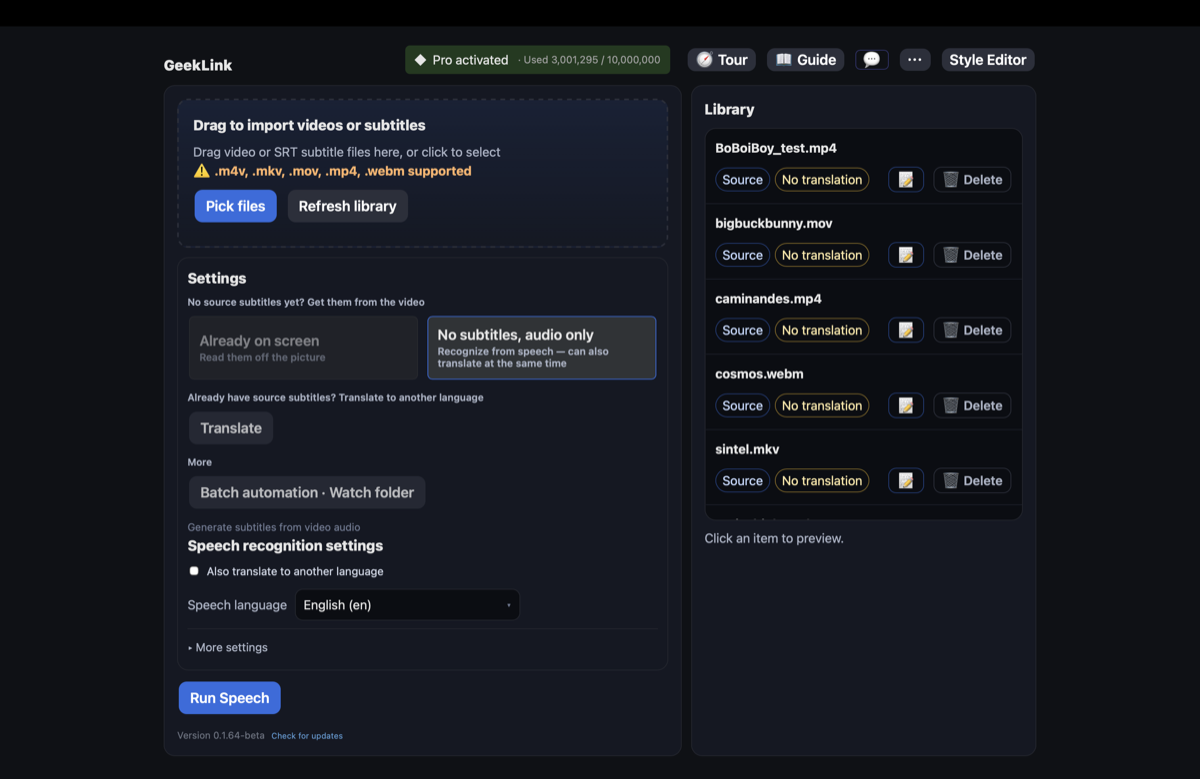
Yes. Import the SRT together with its video and translate it directly — you don't need to re-transcribe anything. GeekLink needs the video next to the SRT; if you only have the subtitle file, the open-source Jev Subtitle Translator (see the last question) translates SRT files on their own.
Can I translate a whole folder of SRT files at once?
Yes. Drop in all the videos and their SRT files together — GeekLink matches them by filename, then translates and exports the whole batch.
Why not just paste the SRT into ChatGPT?
It works for a few lines, but long files get cut off or come back with lines merged, dropped, or renumbered, and then the timing no longer matches. GeekLink translates in batches with scene context, checks that every subtitle line comes back, and keeps the original timestamps.
Will translation mess up my subtitle timing?
No. Translation only replaces the text; every timestamp stays exactly as it was.
How is this better than Google Translate?
GeekLink sends whole scenes to AI models (Claude, GPT-4o, DeepSeek) with context, so pronouns, names, tone, and colloquial phrasing carry across lines. Line-by-line machine translation loses that context.
Does my video get uploaded?
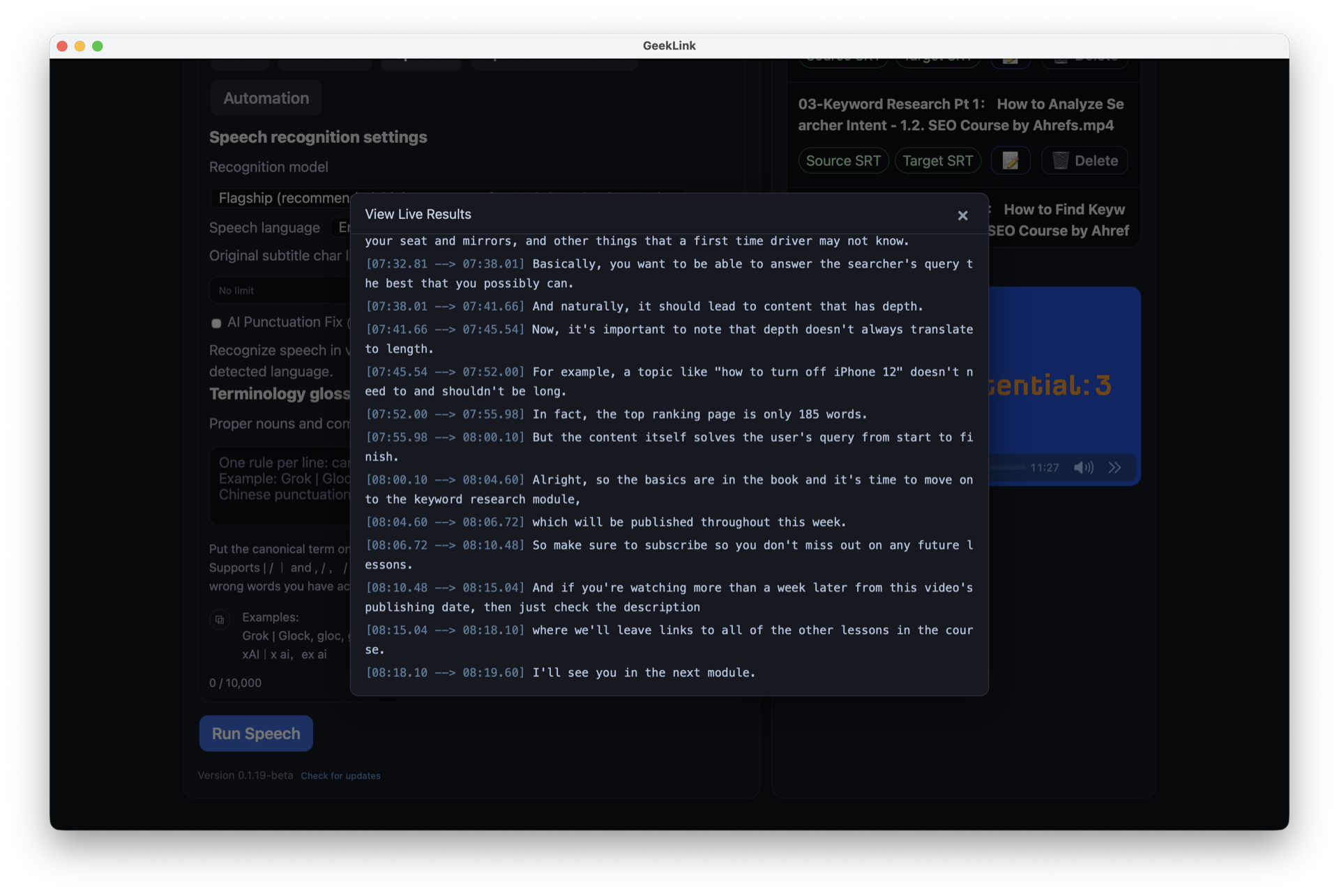
No. Speech recognition and OCR run entirely on your computer. Only the subtitle text goes to the AI model for translation — never your video or audio.
Is translation free?
Basic machine translation is free: Google Translate (can be busy at peak times) and AWS Translate (100,000 characters a month). Context-aware AI translation with Claude, GPT-4o, or DeepSeek is a Pro feature that uses AI credits, and every download includes a 7-day free Pro trial with no sign-up. Transcription, OCR extraction, editing, and SRT export stay free, with 60 minutes of OCR export every month.
Is there an open-source or self-hosted subtitle translator?
Yes. GeekLink Jev Subtitle Translator is an open-source SRT translation and quality-control project that you can run locally with a Web UI or CLI. Bring your own OpenRouter API key to translate subtitles and use Jev to flag lines that may need human review. The GeekLink desktop app remains the complete option for transcription, OCR, editing, translation, and video export.